Management tools are much more than simple software: they organize workflows, centralize information and allow teams to work consistently and efficiently. But every company is unique, and a standard solution can quickly show its limits.
Why choose a custom development?
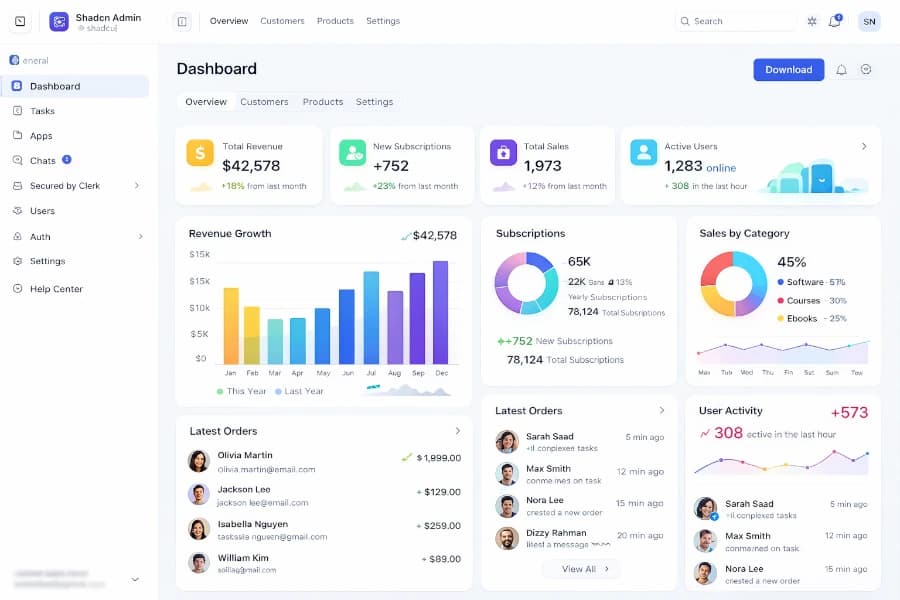
Admin dashboard
Off-the-shelf solutions offer a quick start and general features, but they often impose their methods and constraints on your organization. Companies can quickly face issues such as:
Unnecessary or missing features that force complicated workarounds.
Generic interfaces poorly suited to team usage, causing errors or loss of productivity.
Limitations in feature evolution, sometimes requiring a complete change of solution as the company grows.
Integration difficulties with other existing tools, creating tedious manual processes.
Custom development, on the other hand, makes it possible to build a tool that aligns perfectly with your needs, your organization and your way of working. It provides the flexibility to evolve the application at the pace of the company, optimize performance and ensure data security and reliability.
Keys to a high-performing management tool
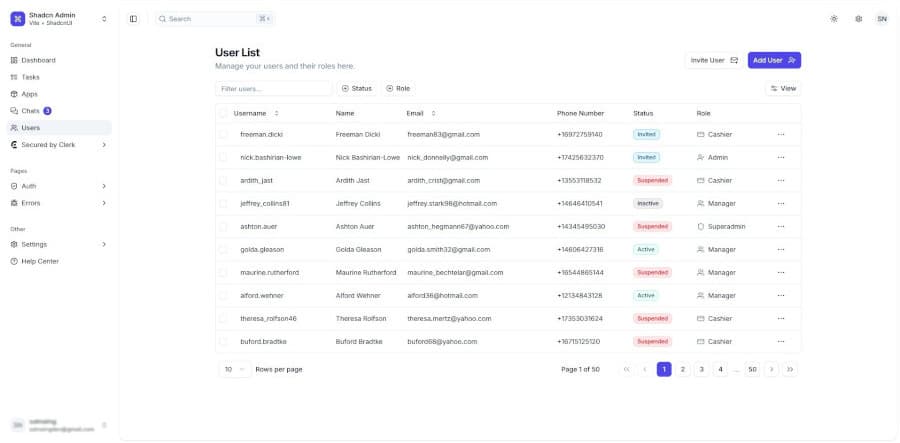
User management page
For a management tool to be truly useful, it must be:
Robust and reliable Your data is precious. The application must withstand intensive use, errors and peaks of activity without ever crashing.
Fast and smooth Performance is crucial. A slow tool discourages users and can create errors. Optimizing queries and technical architecture ensures a smooth experience.
Secure and backed up A good application protects your sensitive information and performs regular backups to avoid data loss.
Scalable Your needs change. A custom application is designed to easily adapt to new features or process changes.
How to create a tool suited to your company?
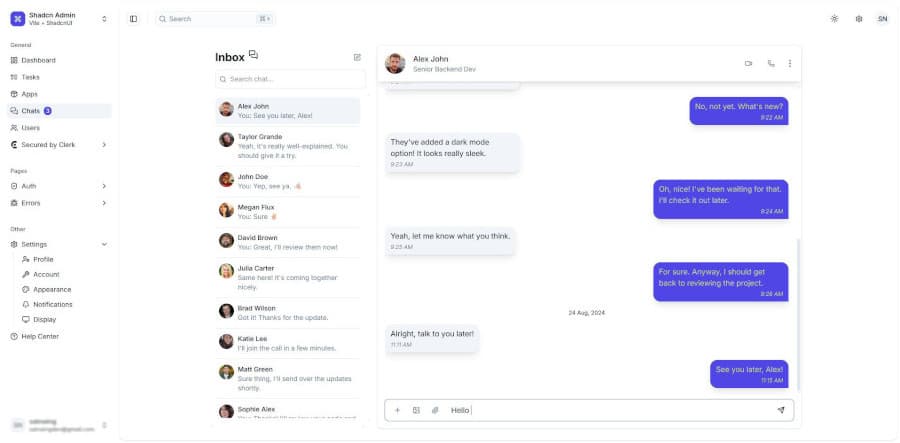
Chat between users
Creating an effective management application relies on several steps:
Needs analysis: Understand your operations, pain points and goals.
Custom design: Define the architecture and suitable features, without unnecessary elements.
Robust development: Optimized code, built-in security and intuitive interface.
Testing and adjustments: Verify each feature and fix issues for stress-free use.
Maintenance and evolution: Plan regular updates and the ability to add new features.
Need a custom tool to meet the specific needs of your company?